Hiring for your team
Bring consistency to retail hiring
Keep store roles, applicant information and hiring decisions organized through changing recruitment demand.
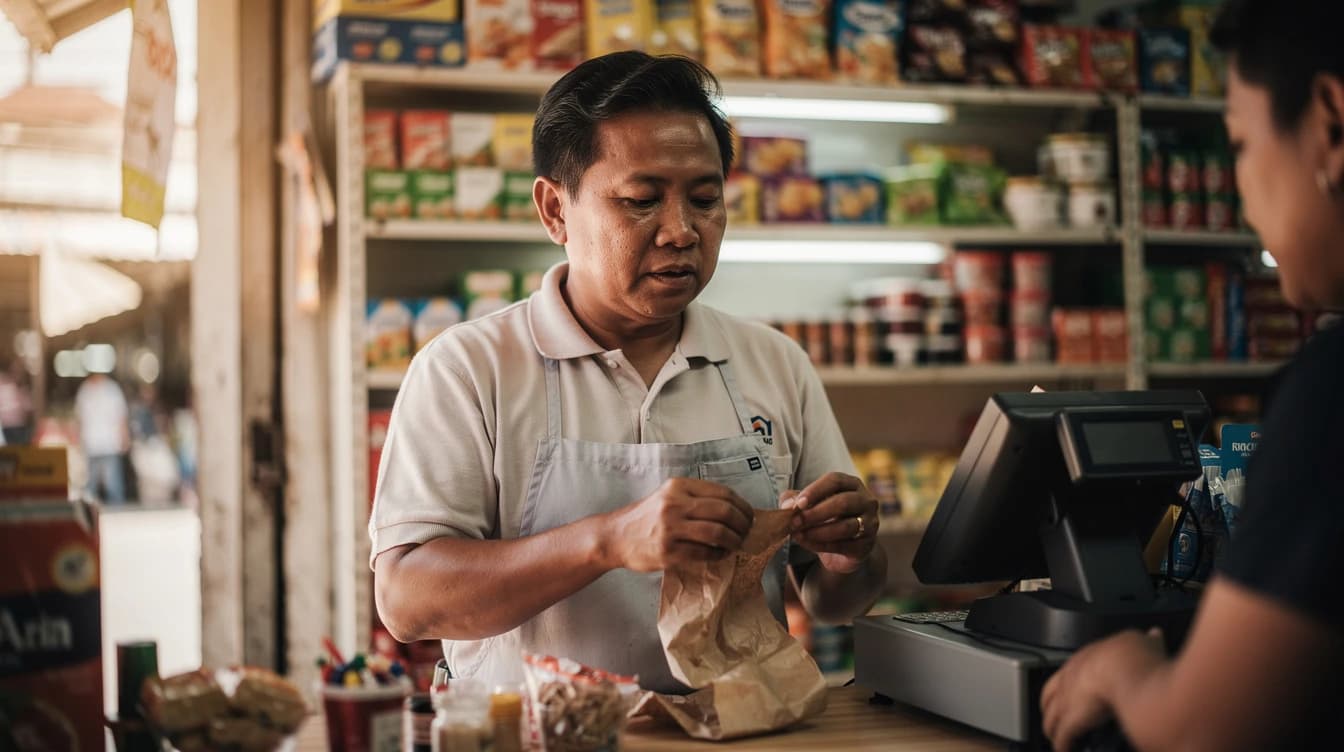
Explain the practical details early
State the location, work pattern and responsibilities clearly so applicants can judge whether a role suits them. Keep initial questions focused on what a reviewer needs to decide. Test the application on a phone before sharing a job link.

Give each role a clear owner
Draft supports job-specific stages, candidate records and notes. Agree who reviews each vacancy and who contacts candidates, especially when several managers are involved. Keep the context attached to the application rather than distributing conflicting status lists.
Before a busy period, review open-vacancy and recruiter-seat capacity. Paid workflows and bulk emails can support repeatable steps, but test their scope and messages before applying them to a larger group.

A few useful answers.
Where can I explore Draft’s hiring tools?
The features pages walk through candidate review, hiring stages, careers pages and collaboration. Start with the workflow your team needs, then check the plan that includes it.
What is included in each plan?
Draft Free includes 1 open vacancy and 2 recruiter seats, a candidate pipeline, team notes and a company careers page. Pro includes 10 open vacancies and 5 recruiter seats, and adds candidate sharing, workflow automations and bulk candidate emails. Scale includes unlimited open vacancies and 10 recruiter seats.



Your next great hire.
Bring your next role, your candidates and your team into Draft.